Hey there,
v0.12.0 is out! Over the last two months, from v0.11.5 through v0.12.0, we shipped several major updates and fixed more than 30 bugs.
- Document version history: Restore any version with a single click.
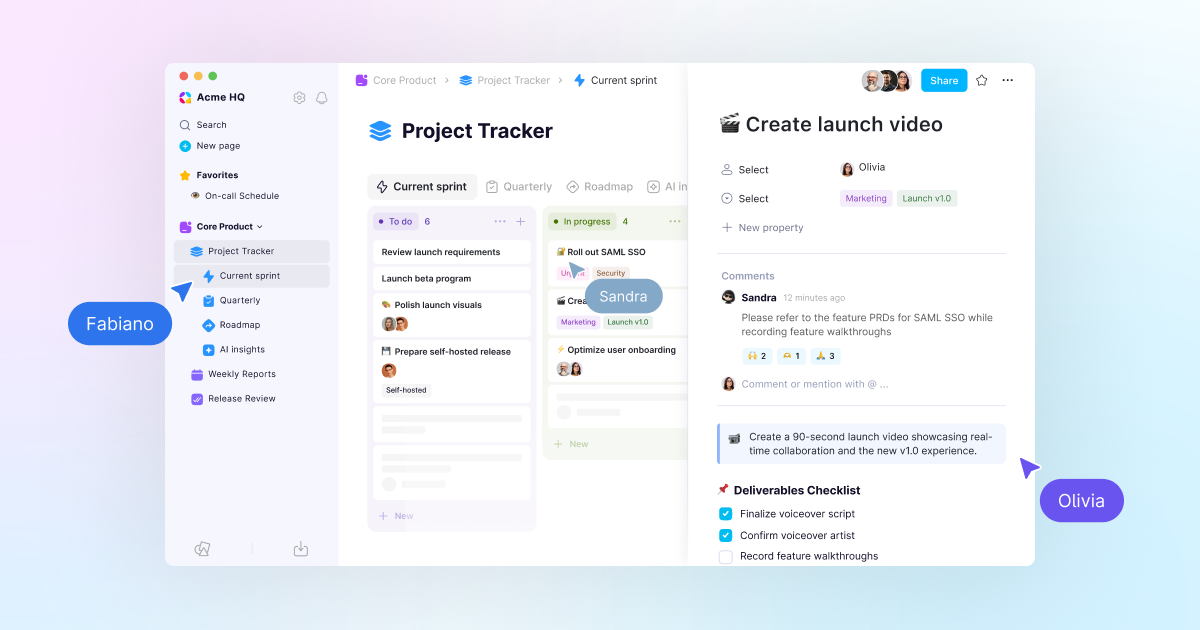
- Document inline and database page comments: Leave feedback directly on your page.
- AI Meeting Notes and transcripts: Generate multilingual transcripts and AI summaries.
- Charts, feeds, and database page templates: Build richer database workflows.
📚 Document version history
Available from v0.11.9 onward, AppFlowy now tracks how your documents change over time.
- Open the version history panel to see a timeline of saved snapshots.
- Preview older versions before restoring them.
- Restore any version with a single click.
💬 Document inline and database page comments
Give feedback and keep team discussions where the work happens.
- Highlight text or pin a comment to a specific block to leave feedback, ask questions, or discuss ideas.
- Add comments directly to database pages.
- Tag teammates with @mentions.
- React to comments with emojis for quick responses.
- Keep comments tied to the content being reviewed.
↕️ Reorder spaces and find and replace on mobile
- Drag and drop Spaces in the sidebar to reorder them.
- Use Find and Replace in the AppFlowy mobile app.
📊 Chart view: Turn your data into visual insights
- Bar, line, and donut charts: Build the right chart for your data, right inside AppFlowy.
- Drill down instantly: Click any data point to see the entries behind the numbers.
- Free tier: Create unlimited vertical bar charts on the Free plan. All chart types are available to Pro users.
🆕 Feed view
View database entries in a continuous stream and scroll through everything at a glance. Feed view is ideal for keeping up with updates without losing context.
✨ Database highlights
- Use predefined database page templates to save time and keep work consistent.
- Filter by relative dates such as today, the next seven days, or the past seven days.
- Create a new page directly from a Relation property.
- See the Relation property dropdown sorted by most recently used.
- Hide all properties at once, hide a property when it has no value, and hide empty groups by default in Grid view.
- Hover over a date cell and use the copy button, or press
Ctrl/Cmd+C. - Navigate Grid view with the keyboard.
- Benefit from more than 15 fixes, including fixes for duplicated and linked database views. See the v0.12.0 bug-fix list.
▶️ AI Meeting Notes and transcripts
- Generate transcripts from YouTube links.
- Create multilingual transcripts in Spanish, German, French, Italian, and Portuguese.
- Let AI identify and label speakers from context.
- Jump from references in an AI summary back to the original transcript passage.
Explore the complete v0.11.1–v0.12.0 feature list.
🔥 Upcoming releases
- Tab management improvements.
- Reorder workspaces and database views.
- Database row pages that can be mentioned, shared, favorited, searched, and linked.
Until next time,
The AppFlowy Team